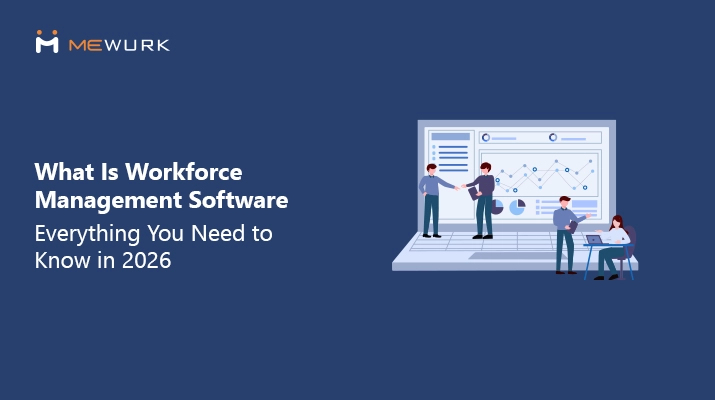
What Is Workforce Management Software- Everything You Need to Know in 2026
Every business today is focused on improving productivity. As 2026 unfolds, the conversation across industries has shifted to one central question: how do we further optimise human resource management in the age of automation?
Until very recently, HR performance was largely measured by the quality of the HRMS in place. Today, the spotlight is moving toward workforce management software as the more decisive factor in operational efficiency.
In this blog, we will help you understand:
- What workforce management software is
- How it differs from HRMS
- Features and benefits of WFM Software
- Tips to choose the best workforce management software
What Does Workforce Management Mean?
Workforce management is the process of overseeing and planning how the workforce (employees) is or should be utilised within an organisation.
It involves tracking and optimising employee work through proper scheduling, time tracking, attendance monitoring, performance tracking and compliance management.
What Is Workforce Management Software?
Workforce management software is a bundle of tools that facilitate the timely and sufficient availability of employees to achieve maximum output for an organisation.
The software handles a series of functions, including labour forecasting and compliance management.
Why Businesses Need Workforce Management Software?
In any business setup, the key operations are managed by people or the workforce. Systematically managing them requires quick decision-making capabilities and analytical skills. Often, the HR would have to process quite large amounts of data.
Basic HR tools like attendance and leave management systems won’t suffice here. This is where workforce management software makes sense.
It is designed to process large data sets and provide completely sensible and logical output, for instance, as shift rosters, reports, trends, and forecasting.
Businesses that want to avoid resource wastage and operational costs and achieve maximum efficiency must choose an advanced workforce management software.

Key Features That Define the Best Workforce Management Software
You can find cloud based workforce management software offering a varying number of features and functionalities. If you were to choose the best WFM software, you might want to consider the following features.
1. Time Tracking and Management
This is a key module in every workforce management software, which allows employers to see when employees clock in and out. Daily reports based on it help employers to understand fundamental cues about employee engagement.
2. Shift Scheduling
Shift scheduling is a key feature that differentiates workforce management software from a typical HRMS or HRIMS. It extends to the area of workforce optimisation.
Employers can design shift rosters based on their employees' availability, skills, tier level and business requirements that have been forecast.
3. Overtime Recording and Management
WFM software module allows employers to keep a definite record of the extra hours worked by their employees in a given period.
The data is very useful for OT compliance, payroll processing and employee affirmation.
4. Reports and Trends Summary
Workforce management software can analyse large chunks of data from day-to-day business operations involving employees and present them as helpful insights.
Employers can use these reports to assess their workforce performance over time.
5. Employee Self Service
Employee self-service (ESS) inclusion makes modern workforce management software highly popular among employees. Some systems have gone a step ahead. They have made it compatible with mobile devices via dedicated apps.
How Does Workforce Management Software Benefit Businesses?
A smart workforce management software can optimise human capital deployment in an organisation via its automated scheduling, real-time tracking, predictive analytics, and mobile accessibility capabilities.
Here are ten ways in which businesses gain a competitive advantage through these digital solutions.
1. Optimised Labour Allocation
By choosing the best workforce management software with AI-driven forecasting capabilities, businesses can analyse historical data and deploy their human resources in profitable ways.
For example, a supermarket can invest in retail workforce management software to analyse historical sales data to predict footfalls and traffic and plan precise staffing levels for peak retail seasons.
2. Substantial Cost Reduction
By automating time tracking and integrating with payroll, businesses can eliminate payroll errors and buddy punching. It is easily possible to recoup the software costs within a year through up to 1-4% saving via payroll expenditure.
3. Higher Employee Engagement
Self-service portal capabilities in mobile workforce management software improve employee autonomy. They can manage shift swaps and time-off requests by themselves.
These are small but crucial ways to improve employee engagement. Studies show that workplaces where employee autonomy is higher have retention rates by over 15%.
4. Enhanced Compliance Management
Workforce management software actively flags potential overtime violations and facilitates enforcement of mandatory rest periods as per the labour laws applicable in the respective geographical regions.
5. Actionable Labour Intelligence
The profile margins of an enterprise are directly linked to how they make data-driven decisions.
Through the real-time dashboards in WFM tools, employers can find granular insights into metrics like labour cost percentage and revenue per labour hour.
6. End-to-end Payroll Integration
With sophisticated workforce management software, you don’t have to do any manual data entry. For instance, the attendance and leave data you get from it over a payroll cycle.
The data syncs in real-time with payroll. Even if you have hundreds of employees, you can process wages for them in minutes.
7. Enterprise-Grade Security
Workforce management software is compatible with biometric attendance devices (for instance, those using advanced face recognition technology). It will eliminate attendance fraud.
Additionally, these systems are protected by enterprise-grade security protocols. Organisations in any country, region or industry can switch to them without the fear of compromising global data privacy regulations.
8. Scalability for Growth
Cloud-based platforms allow for the effortless addition of new locations and users. A franchise, for example, can onboard a new store and have its entire workforce configured and operational within hours.
Since these systems can moonlight as remote workforce management software, businesses that have field employees or Work from Home (WFM) employees switch over without facing any data gaps or disruption.
9. Accurate Skill-Based Scheduling
Intelligent scheduling is a notable trait of modern workforce management. If it is necessary to ensure that specific tasks are performed by competent staff, managers can match staff for shifts based on employee certifications (e.g., forklift operation).
This itself would help reduce workplace incidents by nearly 25%.
10. Boosted Operational Agility
Real-time communication features, such as mass push notifications, allow managers to instantly fill call-offs by alerting available, qualified staff, thereby minimising service disruption.
What to Factor in When Choosing Workforce Management Software?
Businesses that don’t use workforce management software today might be fewer than those who use. Yet, why don’t many of them make the best use of these tools?
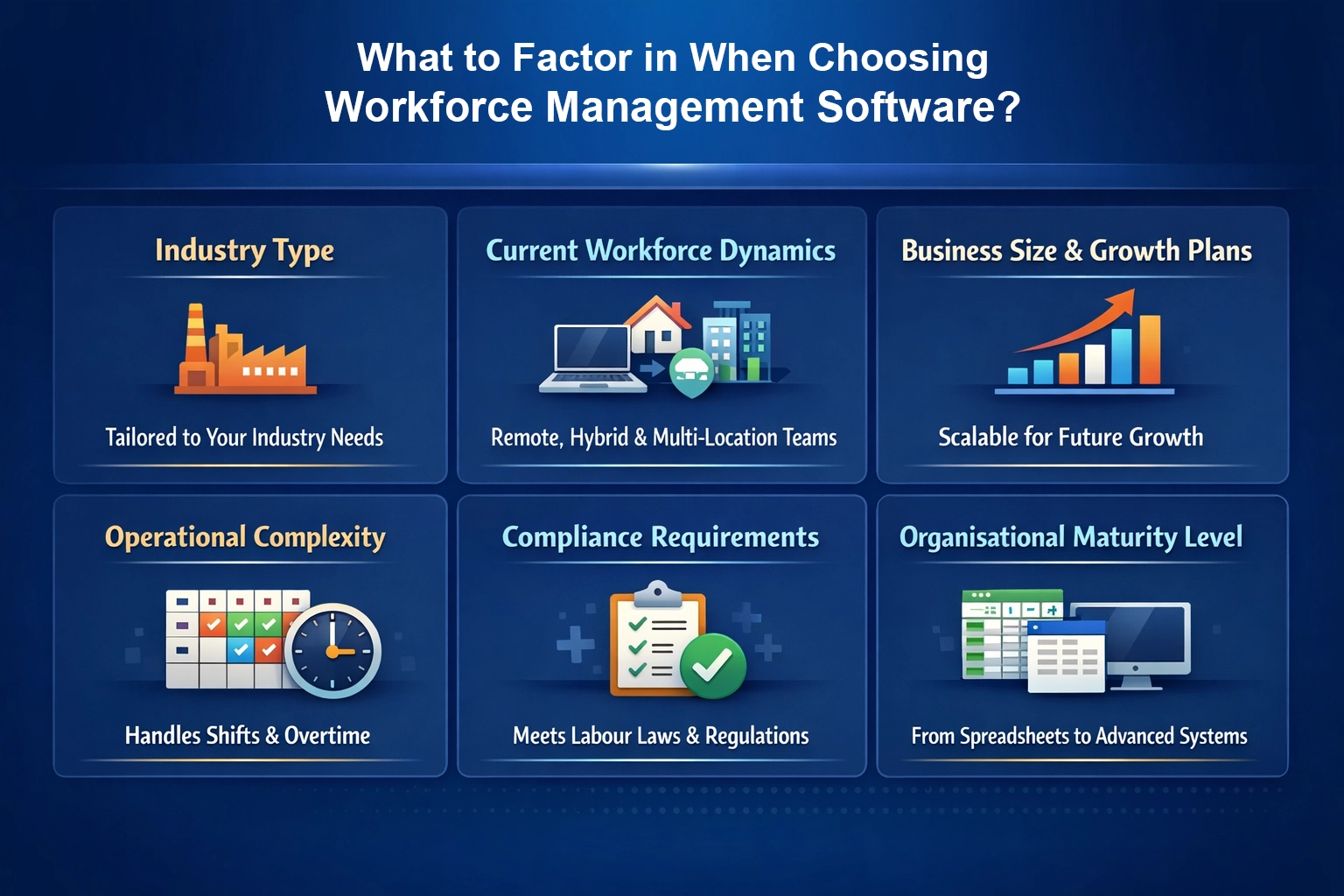
The reasons are many. Factor in the following aspects when you select the WFM solution.
Industry Type
The scope of workforce management varies by industry. If you look at IT, manufacturing or retail, each has different shift patterns, compliance rules, and workforce behaviour.
The best call center workforce management software won’t be the best healthcare workforce management software. The solution you choose should fit your industry reality.
Current Workforce Dynamics
What are your current workforce dynamics? Do you have remote, hybrid, field staff, or multi-location teams? Your workforce structure should guide your choice.
Business Size and Growth Plans
Businesses that operate with 30 employees at present but would likely expand to accommodate more in the near future should seriously consider the scalability factor of the workforce management software.
Because what works for 30 employees may not work for 300. Choose a system that can grow with you.
Operational Complexity
Do you have a simple 9–5 shift cycle? Or do you operate with the support of rotational shifts, overtime, and contract workers?
Verify the workforce management software’s compatibility with your operational complexity level.
Compliance Requirements
Labour laws aren’t the same everywhere. They vary by region and sector. Your workforce management system should support your statutory and compliance needs.
Organisational Maturity Level
Are you moving from spreadsheets or upgrading from an existing HR system? Your internal process maturity matters when selecting the right solution.
What Makes Mewurk Workforce Management Software Ideal for Your Business Needs?
Mewurk is the best workforce management software for Indian businesses. Unlike other workforce management tools and HRMS systems currently in India, Mewurk combines multiple functionalities under its hood to make your workforce management efficient, easy and cost-effective.
We are the first in India to combine smart IoT (Internet of Things) technology with advanced machine learning algorithms across our integrated software and hardware solution. Here are some workforce management challenges you can solve with Mewurk:
- Manage office, remote, and field attendance seamlessly
- Track field visits and measure meeting productivity
- Handle complex shift structures without manual errors
- Sync leave data instantly with payroll calculations
- Process compliant payroll in just one click
- Generate real-time attendance, payroll, and shift reports
- Automate HR workflows from onboarding to offboarding
- Securely store and control employee document access
- Monitor expenses alongside attendance and payroll data
- Eliminate buddy punching with a proprietary biometric face device

To Sum Up
The landscape of workforce management will continue to grow more complex, even with increasing automation and evolving perspectives on HR management.
More than HR systems that track people and processes, businesses will need integrated workforce management software that adapts quickly to shifting workforce models, compliance demands, and operational realities.
Those who invest in the right solution today won’t just manage their workforce. They will gain long-term operational control.
Frequently Asked Questions
1. What is workforce management software used for?
Workforce management software is used to track attendance, manage shifts, record overtime, forecast labour needs, and maintain compliance. Also, the reports generated by WFM can help in allocating employees efficiently at optimal operational costs.
2. How is workforce management software different from HRMS?
HRMS mainly handles employee records, payroll, and core HR tasks. Workforce management software, on the other hand, focuses on day-to-day operational sides such as scheduling, time tracking, forecasting, compliance monitoring, and optimising daily workforce deployment.
3. Is workforce management software suitable for small businesses?
Yes. Modern cloud-based workforce management software is scalable and works for small teams as well as large enterprises. Businesses can start small and expand features later on as they grow.
4. Can workforce management software handle remote and field employees?
Yes. Many workforce management systems support mobile apps, GPS tracking, and biometric integrations. You can easily monitor attendance and productivity for office, remote, and field employees in real time.
5. How does workforce management software reduce operational costs?
WFM solutions minimise operational cost through a number of means, such as cutting down payroll errors, preventing buddy punching, improving shift planning, minimising overtime violations, and using forecasting insights to allocate staff efficiently.

Most Popular Post
Why Accurate Attendance and Leave Management Matters for Business Growth?
Read More →Why Accurate Attendance and Leave Management Matters for Business Growth?
How To Leverage Attendance Data For Better Workforce Management?
Read More →How To Leverage Attendance Data For Better Workforce Management?