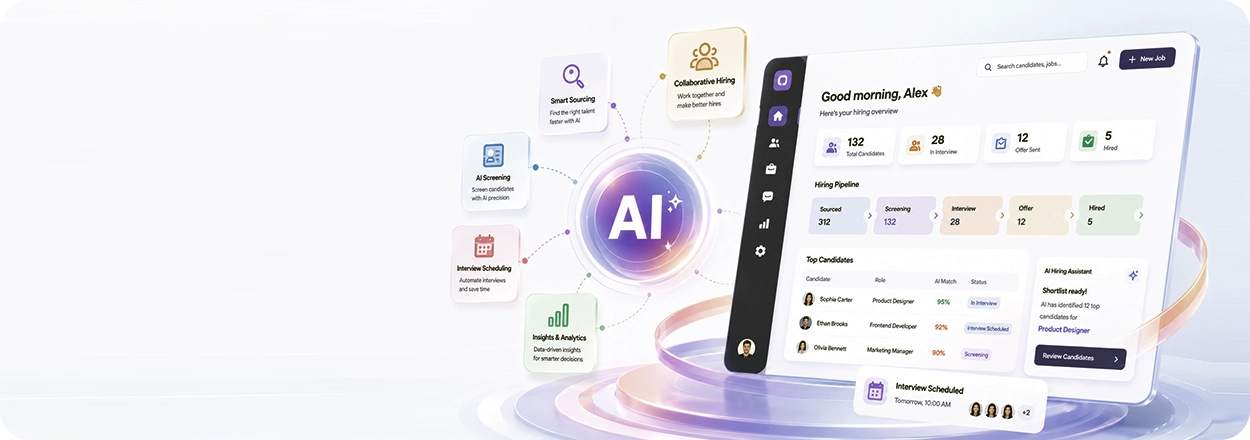
JD upload and parsing
Upload a PDF or paste your JD directly. Maya AI reads it and seeds the interview kit with role-specific content - no prompt engineering needed.
Create roles, upload JDs, assign hiring managers, configure AI interview flows, and track every active position - all from one recruitment hub built inside Mewurk.
Try for Free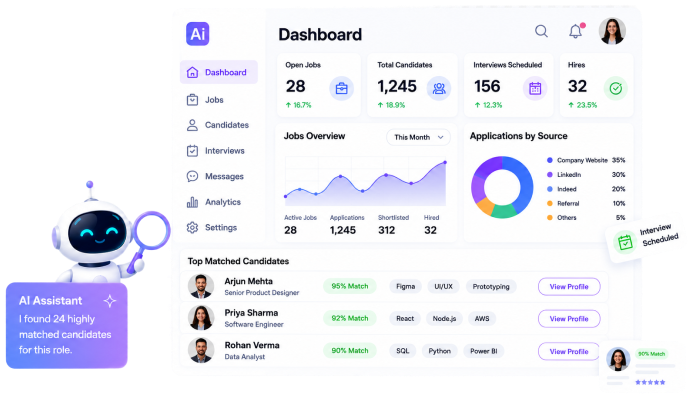
Maya AI's Jobs and Recruitment module manages the complete journey from creating a job to collecting AI-evaluated candidate responses.
Role defined, JD uploaded, HM assigned
AI questions, grading criteria ready
Resume parsed, invite sent
AI scores, transcript, recording ready
Shortlist, strengths & gaps reviewed
No handoffs to a separate ATS or interview tool. Jobs, candidates, interviews, and evaluations all live inside Maya AI - connected by design.
See exactly where every candidate stands against every open role. No chasing spreadsheets or waiting for recruiter updates.
Each job has its own configured interview kit. Every candidate for that role gets the same structured experience - no ad-hoc interviews.
The Jobs and Recruitment module is built to reduce recruiter overhead - not add more steps. Here's the end-to-end flow.
STEP 01
Fill in the role details, upload your job description, and assign the hiring manager. The AI Interview Kit is automatically initialised in the background.
STEP 02
Intro, questions, follow-ups, grading criteria, and closing script are generated in one pass. No manual templating required.
STEP 03
Check the AI-generated questions and grading criteria. Edit, regenerate, and configure the interview settings specific to this role.
STEP 04
Monitor live interviews, review completed sessions with AI scores, transcripts, and recordings - all visible from the job's recruitment hub.
Built to simplify hiring, our recruitment software gives you the capabilities you need without clutter or complicated workflows.
Upload a PDF or paste your JD directly. Maya AI reads it and seeds the interview kit with role-specific content - no prompt engineering needed.
Assign one or multiple hiring managers per job. Each gets relevant notifications, access to candidate profiles, and interview results scoped to their role.
Send invites immediately or schedule them. Configure the interview window - candidates pick their own slot within the allowed time frame.
A single dashboard showing all open positions, status, candidate counts, and invite tracking - with no hunting across tools or tabs.
Granular access control - recruiters see their own jobs, hiring managers see their candidates, admins see everything. No data leakage across teams.
Dashboard metrics covering your candidate funnel - total invited, completed, in progress, and AI-scored. Track the health of every hiring pipeline.
1
Platform for the full job lifecycle
5×
Faster interview setup vs manual methods
100%
Structured interviews - no ad-hoc variation
0
Third-party tools needed for Release 1
Yes. The active jobs dashboard lets you run any number of open requisitions at once, each with its own candidates, interview kit, and hiring managers. Filter by status, department, or location to focus on the roles that need attention.
Every job creates a dedicated AI Interview Kit, seeded from its job description. Questions, follow-ups, grading criteria, and the closing script are specific to that role - so every candidate for the position gets the same structured, role-relevant interview.
Absolutely. You can assign one or several hiring managers to any job, and the same person can be attached to multiple roles. Each manager only sees the candidates and interview results scoped to the jobs they own.
Pausing a job stops new invites and interviews while preserving all existing candidate data, AI scores, transcripts, and recordings. When you resume the role, the pipeline picks up exactly where it left off - nothing is lost.
Jobs, candidates, interviews, and evaluations all live natively inside Maya AI, so no separate ATS is required to run the full lifecycle. Deeper integrations with external ATS tools are on the roadmap for teams that want to sync with an existing system.
The two modules share one data layer inside Mewurk. A candidate invited from a job flows straight into Candidate Management with their resume, AI evaluation, and status - so recruiters and hiring managers work from a single, connected record.
Keep hiring moving with jobs, candidates, and AI interviews connected in a single workspace.
Start 1 Month Free Trial

Empowering SMEs with modern-age, cloud-based Attendance and Workforce Management systems that help save time and boost productivity.