Summary
HR teams that run split shifts often get the hours right and the compliance wrong. This piece covers what a split shift actually is, why it's so common in retail, hospitality, and healthcare rosters, and where India's new labour codes draw the line on spread-over hours. There's a worked example showing how the same 8 hours of work can pass or fail the 12-hour test, a checklist for day-to-day tracking, and a look at how shift software catches what manual tracking usually misses.
A restaurant schedules a server for the lunch rush—10 AM to 2 PM—then brings them back for dinner service, 6 to 10 PM. Eight hours on the clock. Four hours off in between. It's a smart way to staff around demand instead of paying someone to stand around during a slow afternoon.
Here's what most HR teams miss, though. That server's spread-over, from first clock-in to last clock-out, comes to exactly 12 hours. The legal ceiling. Push dinner back by one hour, to 7 PM, and the law is broken without anyone working a minute more. Split shifts save money and match staffing to demand well, but they sit right on a compliance line, and accurate tracking is the only thing keeping a roster on the right side of it. Split shift matlab kya, aur HR ko kya track karna zaroori hai? Let's work through it.
What Is a Split Shift?
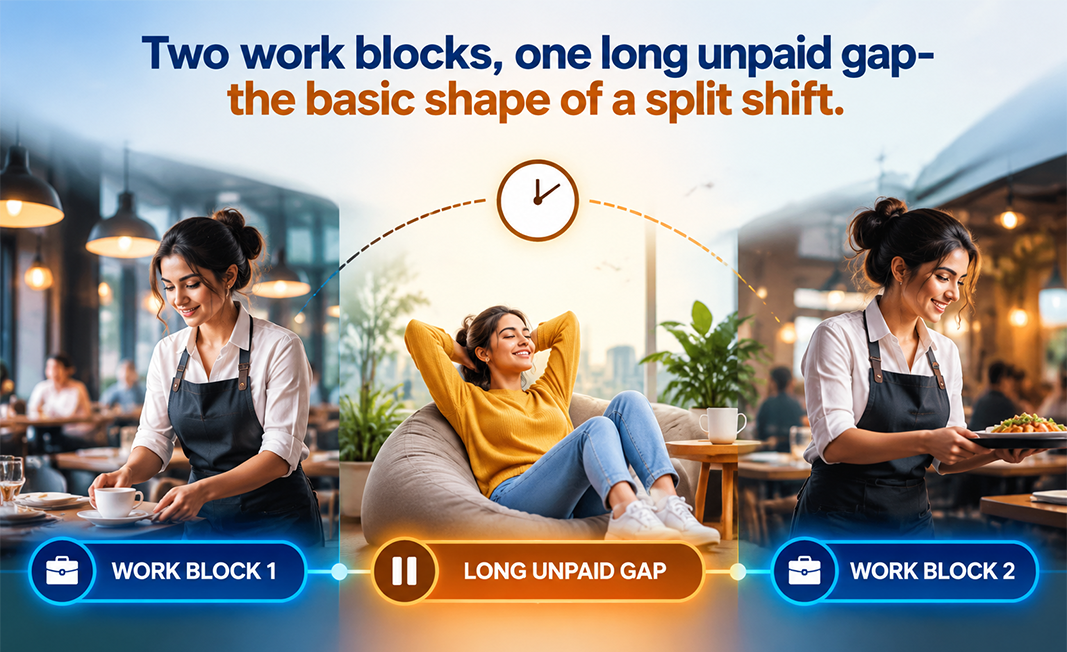
A workday split into two or more periods with a long, unpaid gap between them—10 AM to 2 PM, say, then 6 PM to 10 PM. It lets employers staff demand peaks without paying for the quiet hours in between.
An employee clocks in, works a block, clocks out for an extended stretch, then comes back later the same day for a second block. The total might look ordinary—8 hours, say—but it's built around a midday gap rather than running straight through.
A lunch break is a pause inside one shift. A split shift is two shifts with real daylight between them. That gap is exactly what makes split shifts useful to an employer—and exactly what makes them hard to track properly.
Where Split Shifts Show Up
Demand doesn't spread evenly across a day, so split shifts tend to cluster wherever there are two peaks with a lull between them:
- Restaurants and hospitality, covering lunch and dinner peaks with downtime in between
- Retail, for morning and evening footfall around a midday lull
- Transport and logistics, with drivers on morning and evening commuter runs
- Healthcare, in clinics running morning and evening OPD sessions
- Education and coaching, across morning and evening batches
- Facility and domestic services, with cleaning crews doing early and late rounds
The logic stays the same across all of these: pay people for the hours you actually need them. But splitting the day also means taking on a tracking job that a normal continuous shift never creates.
Split Shift Rules in India: The Spread-Over Ceiling
Since 21 November 2025, working hours fall under the OSH Code, which replaced the Factories Act and a patchwork of state provisions. For split shifts specifically, these are the numbers that matter:
| Rule | Limit Under the OSH Code |
|---|---|
| Maximum actual work per day | 8 hours (overtime starts at hour 8) |
| Maximum spread-over per day | 12 hours (first start to last end, including breaks and gaps) |
| Maximum work per week | 48 hours, plus one weekly rest day |
| Rest interval | At least 30 minutes after every 5 hours of continuous work |
| Overtime rate | Double the ordinary wage, with employee consent |
| Overtime cap | 125 hours per quarter (OSH Central Rules, 2026) |
| Women on night shifts (7 PM–6 AM) | Allowed only with written consent and prescribed safety/transport measures |
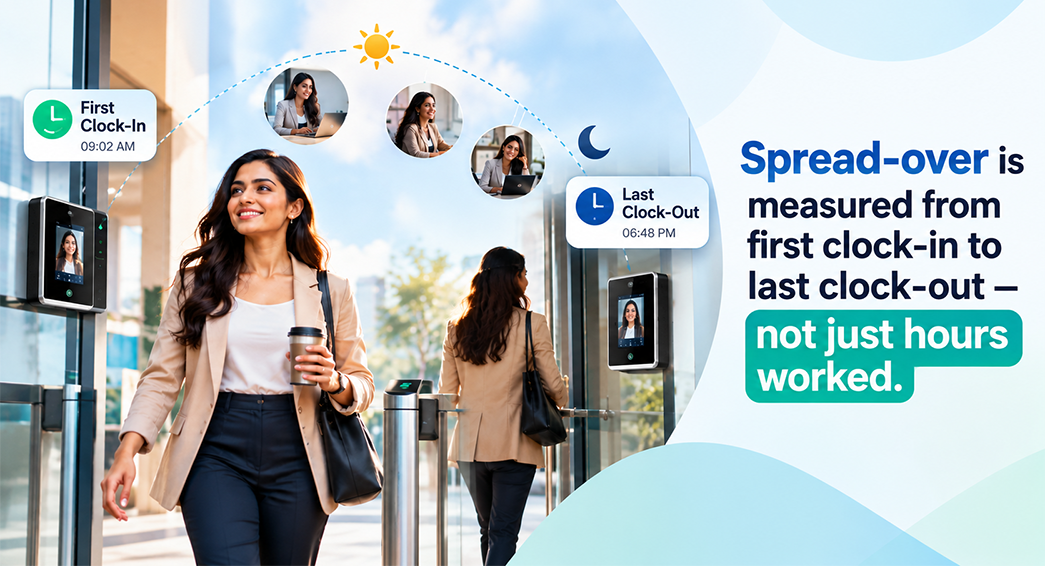
Spread-over is the rule that actually governs split shifts. It's the full period from an employee's first clock-in to their last clock-out in a day, including work, breaks and the midday gap. Under the OSH Code, it can't go past 12 hours. So both blocks of a split shift, plus everything in between, need to fit inside that 12-hour window.
State rules can pull this tighter. Labour is a concurrent subject, so state Shops and Establishments Acts still apply until each state notifies its own OSH rules—and some are stricter. Maharashtra, for instance, caps spread-over at 11 hours for shop employees. Check what applies where you operate. (This is general guidance, not legal advice—confirm your specific obligations with a qualified professional.)
Why Tracking Split Shifts Is Harder Than Normal Shifts
A standard 9-to-5 needs one clock-in and one clock-out. A split shift needs at least two of each, and that doubling creates real problems:
- Multiple punches per day—two in-punches and two out-punches to capture correctly, where a missed second-block punch quietly understates hours worked
- Spread-over doesn't show up on a timesheet—a standard timesheet says "8 hours worked" and hides the fact that those hours spanned 13, over the ceiling
- Overtime gets missed—when the second block tips past the daily 8 or weekly 48, it needs to trigger 2x pay, and manual calculations routinely miss it
- Gap-between-shifts rules—a minimum rest gap requirement can get violated by accident in a split roster
- Consent and eligibility—if the evening block runs into night hours for a woman employee, written consent and safety conditions need to be on file
None of this shows up on a basic attendance register. It only becomes visible once you're tracking the shape of the day, not just the total.
What HR Should Track for Every Split Shift
The practical checklist:
Get these eight right and a split shift holds up under any inspection. Miss the spread-over line specifically, and a roster can look compliant on paper while actually breaching the law.
Worked Example: Calculating Split Shift Spread-Over
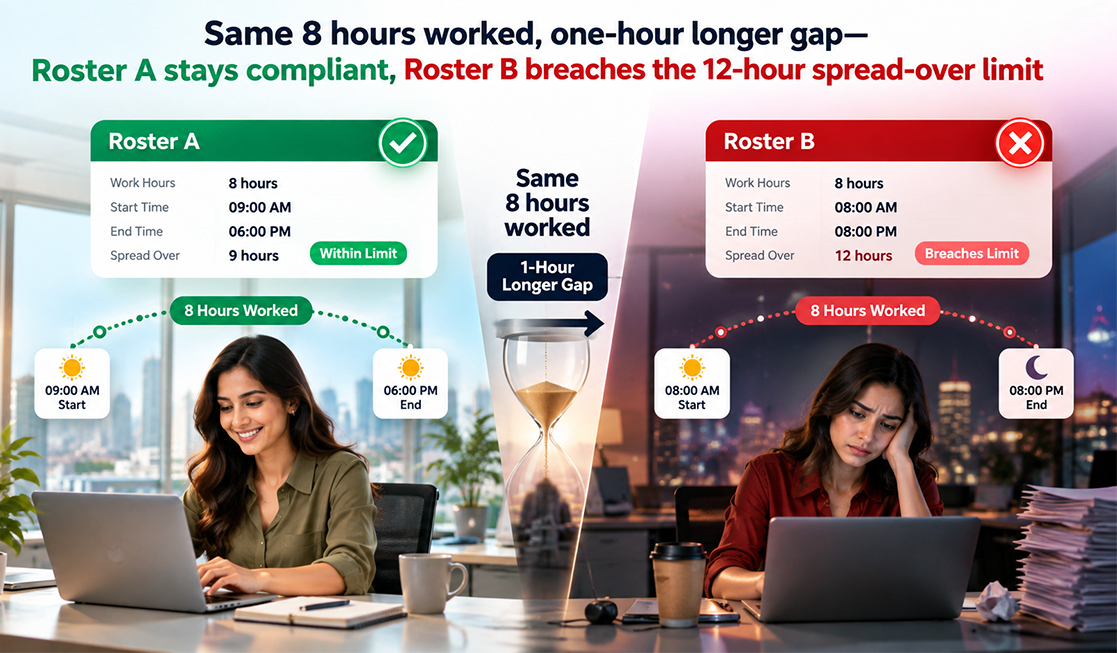
Two rosters, both with 8 hours of work, completely different outcomes.
Roster A: Compliant
- Block 1: 9:00 AM–1:00 PM (4 hours)
- Gap: 1:00 PM–5:00 PM (4 hours, unpaid)
- Block 2: 5:00 PM–9:00 PM (4 hours)
- Hours worked: 8. Spread-over: 9 AM to 9 PM = 12 hours ✅ (right at the ceiling)
Roster B: Non-Compliant
- Block 1: 9:00 AM–1:00 PM (4 hours)
- Gap: 1:00 PM–6:00 PM (5 hours, unpaid)
- Block 2: 6:00 PM–10:00 PM (4 hours)
- Hours worked: 8. Spread-over: 9 AM to 10 PM = 13 hours ❌ (over the 12-hour ceiling)
The only difference between the two is a gap that's an hour longer—no additional work at all—and yet Roster B breaks the law. That's the reason spread-over needs to be tracked as its own figure rather than eyeballed when building a roster. (For more on when hour 8 triggers double pay, see our Overtime Rules in India guide.)
5 Split Shift Tracking Mistakes to Avoid
- Tracking only hours worked and ignoring spread-over, which is exactly the limit split shifts are most likely to breach
- Capturing multiple punches manually, relying on staff to log two in/out pairs correctly and then keying them into a sheet
- Missing overtime in the second block when it crosses a daily or weekly limit
- Applying one roster assumption across every state, when spread-over limits differ by location
- Skipping the consent trail for night hours or overtime, especially for women employees
How Shift Management Software Handles Split Shifts
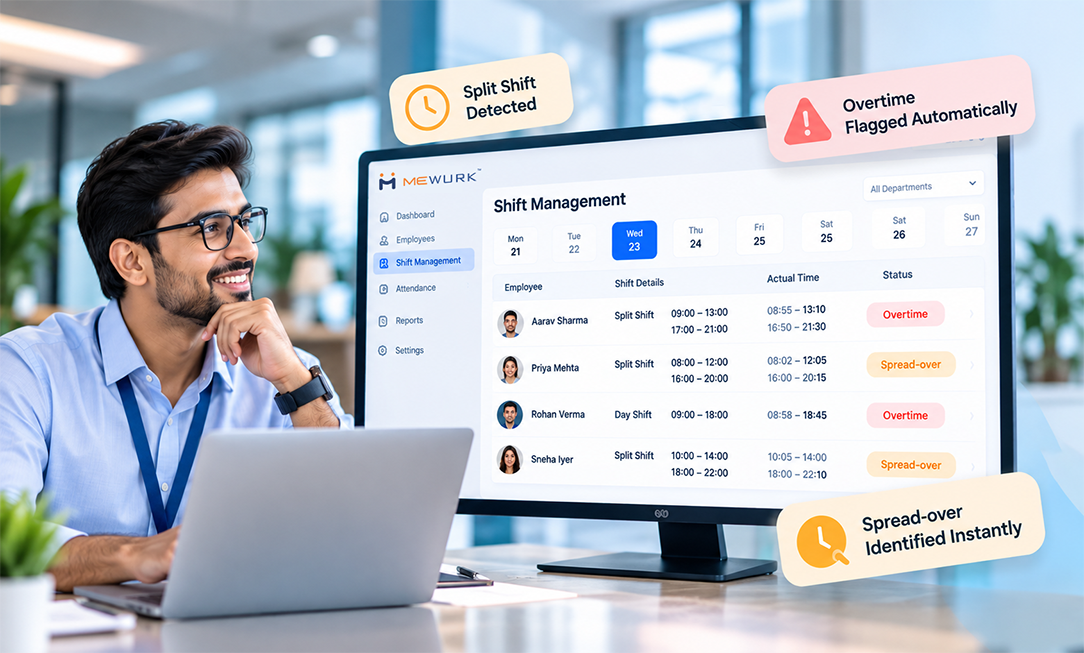
Multi-block capture, spread-over math, overtime flags, state-specific rules, consent tracking—this is exactly the kind of multi-variable tracking software handles cleanly, and humans handle inconsistently. Mewurk's shift management and attendance modules cover split shifts end to end:
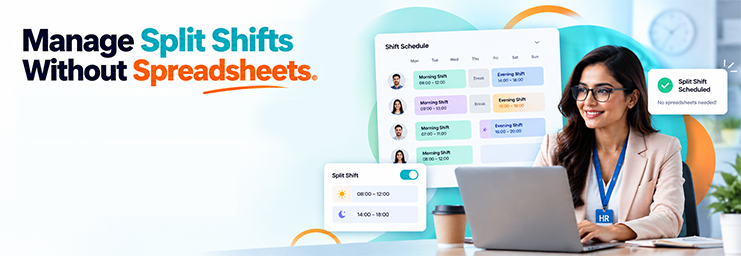
- Drag-and-drop split rosters, so two-block shifts can be built visually and assigned across teams and locations in minutes
- Multi-punch capture through three-way attendance (biometric, web, or mobile app), so no second-block punch slips through
- Automatic spread-over calculation, computing each day's span from first punch to last and flagging anything close to or over the 12-hour ceiling
- Built-in overtime rules, flagging hours past daily 8 or weekly 48 for 2x pay automatically
- Configurable by location, applying different state limits to the branches they actually govern
- Payroll-ready output, so verified hours, overtime, and gaps flow straight into payroll
Instead of reconstructing who worked which blocks from a stack of punches, HR can just see each split day's worked hours, spread-over, and overtime at a glance.

Conclusion
Split shifts are one of the smarter ways to match staffing to demand, and one of the easiest ways to accidentally break working-hour law. Remember the spread-over: 8 hours of work is fine, but the whole day, including the gap, needs to fit within 12 hours, or your state's tighter limit. Track each block, watch the spread-over, flag overtime, keep the consent trail, and split-shift management stops being a compliance risk and becomes a routine part of building a roster.
Found this useful? Pass it along to the operations and store managers building the rosters—they're the ones who need the spread-over rule most.
Frequently Asked Questions
Q1. What is a split shift?
A workday split into two or more periods with a long, unpaid gap between them—10 AM to 2 PM, say, then 6 PM to 10 PM. It lets employers staff demand peaks without paying for the quiet hours in between.
Q2. What is the maximum spread-over for a split shift in India?
Under the OSH Code, spread-over—the total span from first clock-in to last clock-out, including breaks and the midday gap—can't exceed 12 hours in a day. Some state Shops and Establishments Acts set a stricter limit, so check what applies where you operate.
Q3. Do split shifts count toward overtime?
Overtime comes down to total hours worked, not how they're split across the day. If combined blocks go past 8 hours daily or 48 weekly, the excess counts as overtime and gets paid at double the ordinary wage, with the employee's consent.
Q4. What should HR track for split shifts?
Clock-in and clock-out for each block, total hours worked, spread-over span, unpaid gap duration, overtime beyond daily or weekly limits, weekly hours and rest day, rest intervals, and written consent where night hours or overtime apply.
Q5. How can split shift tracking be automated?
Shift management software lets HR build split rosters visually, capture punches through biometric, web, or mobile check-in, calculate spread-over automatically, flag overtime, apply state-specific limits, and send verified hours straight to payroll.