Biometric Attendance System Login: How to Set It Up and Train Staff for Proper Use
There’s a reason so many companies switch to biometric attendance systems: they work better. Not just in a technological sense, but in an organisational sense. They reduce the most human problems, like buddy punching or error-prone manual registers, and make your workforce management more reliable.
But if you’re thinking of installing one, it’s worth slowing down for a moment. Because setting up your biometric attendance system login isn’t just plugging in a device and scanning a few faces, or running through quick fingerprint registration. It involves a fair bit of groundwork, say, making sure your team knows how to use it properly, and that the system supports your goals rather than becoming just another expensive gadget.
This guide will help you think through both halves of the problem. We’ll look at how to set it up, step by step, and also how to train your staff so they can adopt it.
What Is a Biometric Attendance System Login?
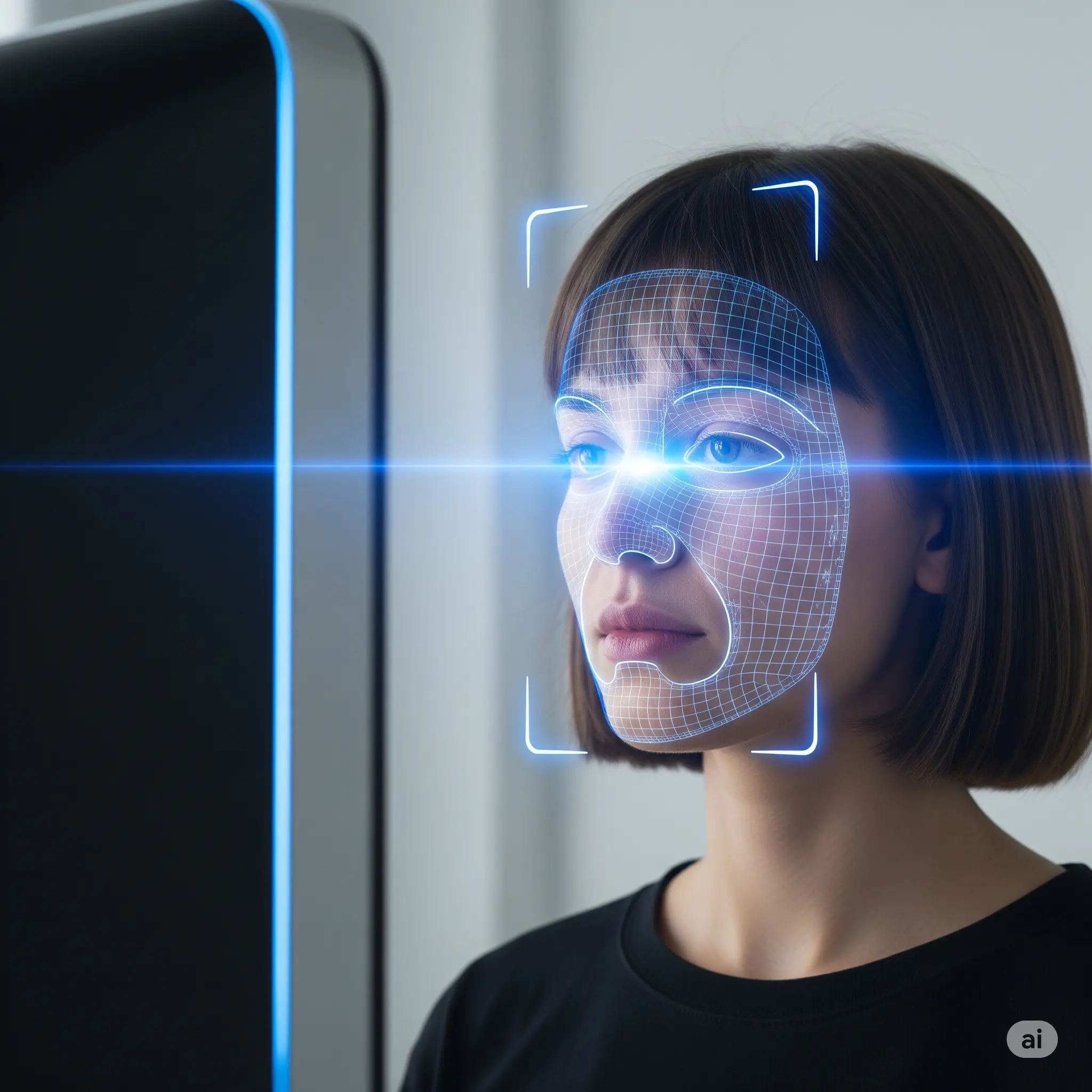
When people say “biometric attendance system login,” they usually mean the process by which employees clock in and out by verifying their identity biometrically, most often by fingerprint or face recognition.
Instead of signing a register or punching a card, an employee scans their finger or face. The device checks if it’s a match and records the time.
That’s the surface level. Underneath, the biometric attendance machine links those attendance logs to your HR or payroll software to provide a more secure, automatic, and tamper-resistant record of working hours.
What Happens If You Don’t Set Up Your Login Biometric Attendance System Right?

It’s easy to underestimate the importance of the setup and training phases. People think: “I’ll buy an essl biometric attendance system, install it near the entrance, and we’re good.”
But what often happens is more subtle:
- Employees will find some workarounds or simply refuse to use it.
- Scanners may fail if the employee onboarding and user enrollment were rushed.
- Admin staff don't know how to extract logs or do real-time attendance monitoring
- Integration with payroll is half-broken.
- Access control integration/HRMS integration doesn’t align
So you end up with more errors instead of fewer.
This is why it pays to think systematically about both the technology (biometric attendance software) and the people who will use it.
Benefits of Using a Biometric Attendance System
Before we get into the steps, it’s worth being clear about what you’re trying to achieve through the biometric attendance system installation.
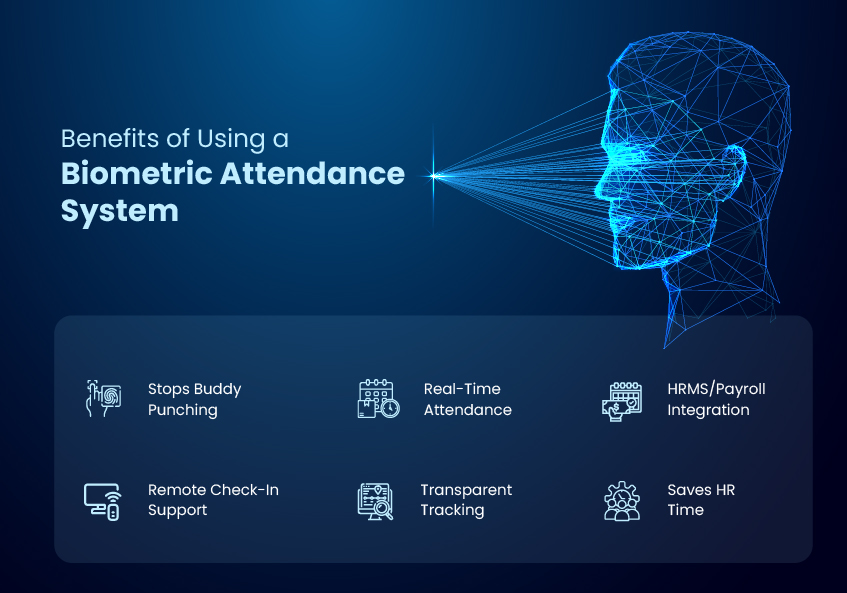
A well-set-up biometric system can:
- Reduce buddy punching (the classic “I’ll sign in for you” problem).
- Provide real-time data through cloud-based attendance
- Integrate with HRMS or payroll so you don’t have to reconcile paper sheets.
- Support remote or mobile attendance if needed.
- Improve accountability and transparency.
- Save HR time chasing manual logs.
But none of these benefits happen automatically. They depend on you setting things up the right way via the admin dashboard and getting your team on board.
Pre-Installation Checklist for Biometric Attendance System Login Setup
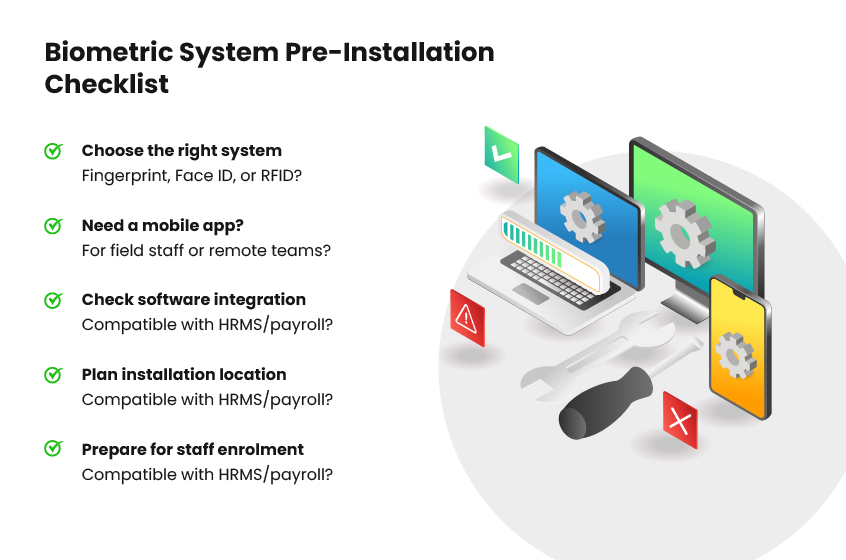
Before unboxing anything, ask yourself:
- Which type of biometric system do I need? Fingerprint, face recognition or RFID attendance system?
- Do I want a biometric attendance machine with a mobile app? For field staff?
- Will it integrate with my existing HRMS or payroll? Don’t buy something incompatible.
- Where will I install it? Consider power and network access.
- Do I have a plan for enrolling employees on the biometric attendance system software? You’ll need time and coordination.
This is the moment to think about integration. If your attendance system can't talk to your HR or payroll software, you’re signing up for manual work anyway.
Biometric Attendance System Face Recognition: Step-By-Step Setup Guide
Let’s look at the physical as well as digital setup procedure for the biometric attendance system essl.
1. Unboxing and Physical Installation
Mount the device somewhere accessible but secure. Near the entrance makes sense, but avoid direct sunlight or rain if it’s outdoors.
Ensure you have stable power and network connectivity. If your device goes offline frequently, it can defeat the very purpose.
2. Software Installation
Most devices come with their own biometric attendance software free of charge or a cloud-based dashboard.
Set up the software carefully. This is where you configure everything from your employee profiles to shift timings.
Cloud-based employee time tracking solutions have the advantage of real-time syncing across locations, but make sure you’re comfortable with the security arrangements.
3. User Enrollment
This is the step most people rush. Don’t.
Have employees register fingerprints or face images properly on the biometric attendance system base.
- Repeat scans if needed to improve accuracy for quicker face recognition attendance
- Verify each enrollment immediately.
Bad enrollment = failed scans later. So, it’s worth spending an extra minute per employee now.
4. Configuring the Admin Dashboard
Set up admin login credentials as part of your biometric attendance system login configuration. Define roles and permissions.
Decide who can approve changes, export attendance logs, or enroll new users.
If you have access control integration (like door locks), configure which users get access to which doors or times. That way, your biometric attendance rules reflect both the attendance and access behaviour.
5. Testing
Once the setup of your biometric attendance system login is completed, don’t just assume it works.
- Have a few employees clock in and out.
- Check their attendance log.
- Test the integration with your HRMS or payroll system.
If you could catch errors early on, before they cascade into hundreds of incorrect pay slips, you’ll save yourself a massive cleanup later.
How to Train Staff to Use the Biometric System Properly
Technology is only half the story. The other half is human behaviour.
A common mistake many businesses make is to assume that staff will figure it out on their own. They might, but they might also avoid it, sabotage it, or use it incorrectly out of frustration or mistrust.
1. Conduct an Orientation Session
Explain why you’re requiring them now to login to the biometric attendance system.
- Reducing time theft, for instance, doesn’t mean you are accusing anyone, but bringing fairness to the workplace.
- Point out that the introduction of a biometric attendance system login will improve payroll accuracy.
- Emphasise that you, as a business, take data security and privacy seriously, and biometric systems uphold data integrity
People accept changes better when they understand them.
2. Demonstrate the Process
Don’t just limit your discussion about the biometric attendance system login to words. Show how it works.
- How to place a finger or align for face recognition.
- Common mistakes (wet fingers, tilted faces).
- What to do if it fails.
The goal is to minimise errors and resentment and improve outcomes.
3. Address Privacy Concerns
Many people get nervous about biometric data collection. Part of the reason is the opacity around how their data is used and protected.
Before you roll it out, make sure everyone is on the same page about the purpose, function and biometric attendance system meaning in the context of data security protocols. So be explicit about:
- What data is stored (usually not raw face scans but encrypted templates)?
- Who can access it?
- How is it protected?
Being transparent helps ease unnecessary concerns and confusion among your team.
4. Provide Simple Guides
Post easy-to-read instructions near the device. Consider short videos or printed one-pagers for new hires.
Training should be part of employee onboarding, not a one-time event.
5. Assign Support Roles
Your HR or admin staff need training too on using the login biometric attendance system for their daily operations, such as:
- How to enrol new users into the system
- How to handle errors if they occur
- How to export attendance logs to the time tracking software
The goal is to avoid a situation where the system breaks the moment the vendor leaves.
Best Practices for Ongoing Use and Maintenance
Even the best biometric attendance system needs care:
- Update firmware/software regularly.
- Back up attendance data.
- Audit the attendance log for anomalies.
- Periodically re-enrol users if needed.
- Review integration with HRMS or payroll.
Just like any other business tool, your biometric system needs some upkeep to stay useful.
Common Challenges and How to Solve Them
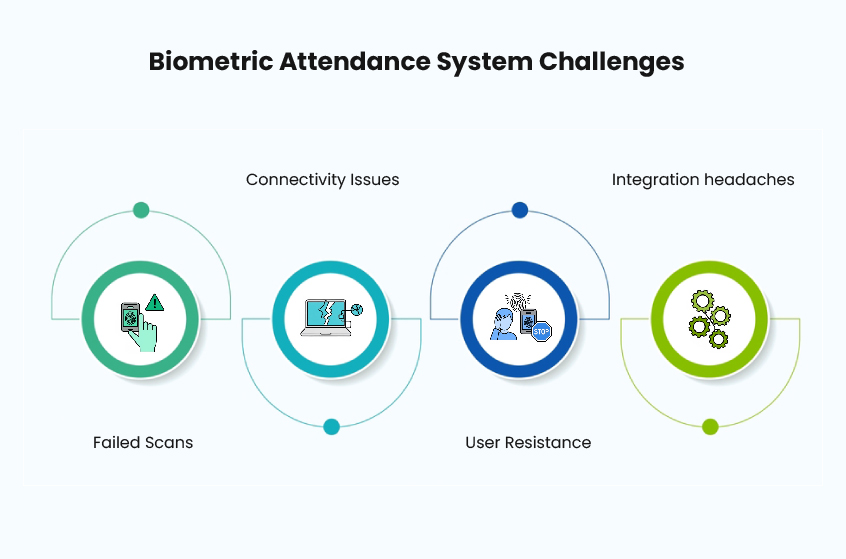
- Failed scans: Check enrollment quality. Clean the sensor.
- Connectivity issues: Ensure a stable internet or LAN.
- User resistance: Offer retraining. Explain benefits.
- Integration headaches: Talk to your vendor about API or data export options.
Most problems are solvable if you treat them as process issues.
Concluding Thoughts
Introducing a biometric attendance system login at your office can improve how you manage time and attendance, but only if you implement it thoughtfully.
Installing the hardware is just a peripheral step; what really matters is designing a system people can and will use.
Set it up carefully. Train your team. Maintain it well.
If you do, you’ll get the benefits you paid for: accurate time tracking, less fraud, smoother payroll, and better workforce management overall.
Looking for a reliable partner to help you get it right? Talk to Mewurk today.
FAQ
Can a biometric attendance system login still work without the internet?
Most modern face-recongtiion based biometric attendance machines can keep working even when the Internet is down. They save each entry directly on the device so it continues working even if the Internet is down, and then automatically sync to the cloud once connectivity is restored.
So, while a steady Wi-Fi or Ethernet link makes life easier, a temporary blackout should not stop attendance tracking.
How much does it cost to install a biometric attendance system?
Prices depend a lot on the model and features you choose. A basic fingerprint reader might be quite affordable, while advanced face-recognition systems for multiple locations can cost much more.
For small businesses worried about upfront costs, Mewurk is a smart option: their biometric machine comes bundled with its own software for a trial period, and after that you can continue on a subscription model.
That way, the device cost is effectively nominal and easier to budget and scale without a huge initial investment.
Is biometric data truly safe from hackers?
Top-notch face-recognition biometric attendance machines like the Mantra models offered via Mewurk attendance management system don’t save the entire image as raw face data (biometric data). Instead, they convert and scramble the biometric input and encrypt so it is hard to impossible for anyone to reverse-engineer or misuse it.
Can biometric attendance systems keep up with a huge company or sites spread across different regions?
Yes. The best ones like Mewurk scale easily and use cloud-based workforce management software to pull in info from every location on the fly. Managers can watch who clocked in, add new employees, and tweak permissions whenever needed without running around each branch. So if your business operates across several locations or has a crowd of remote field hands, it is a practical choice.

Most Popular Post

Why Accurate Attendance and Leave Management Matters for Business Growth?
Read More →Why Accurate Attendance and Leave Management Matters for Business Growth?
How To Leverage Attendance Data For Better Workforce Management?
Read More →How To Leverage Attendance Data For Better Workforce Management?